All guide chapters
Start here
Everyday running
- Residents
- Rent and payments
- Dues and reminders
- Deposits and advances
- Expenses and profit
- Mess and meals
- Reports and dashboard
- Laundry and food for residents
- Importing residents safely
- Room changes, checkout and resident requests
- Payment approvals
- Billing periods, installments and rent reviews
- Room electricity and resident charges
- Utility connections and bills
- Inventory and room assets
- Bank accounts and wallets
Filling your beds
Your team and residents
Reviews and ratings
Reviews are the single thing a stranger trusts most about your hostel. You cannot write them, but you can ask for them and you can answer them.
Step by step
Where to go: My Hostel → Reviews and Surveys
Who can use it: The hostel owner, or staff with access to this feature. Some actions need additional permission.
-
Review the feedback
Open a review and read the rating and comments. Reply factually without including resident identity details, debts or private disputes.
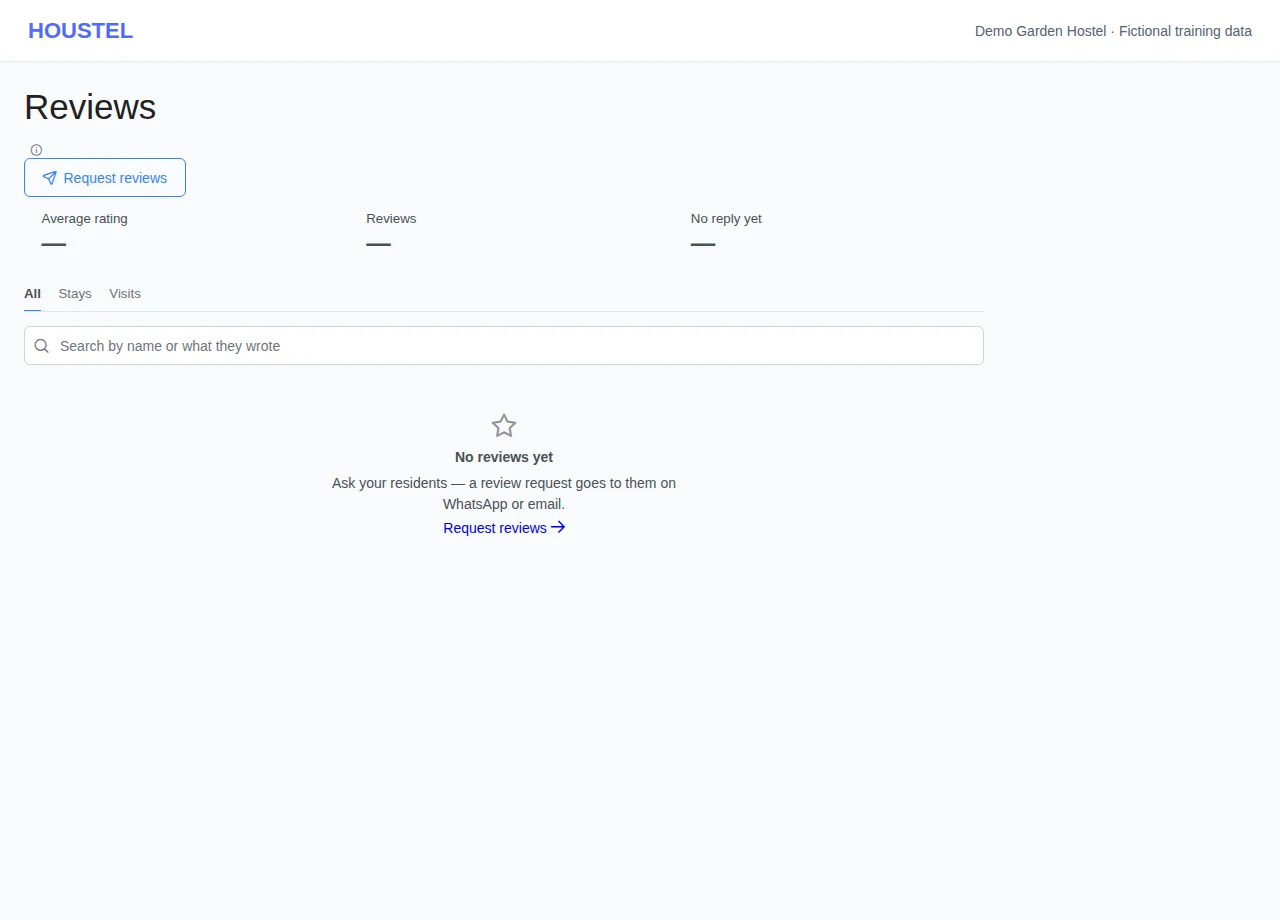
Review the feedback · Example with dummy data. Select the image to enlarge. -
Use surveys appropriately
Manage the surveys offered for your hostel and ask for honest feedback. Follow the available reporting process for abusive content.
Before you finish, and when something goes wrong
- A survey, an internal resident review and a public hostel review may have different audiences. Read the screen’s description before submitting.
If a save times out, check the record before repeating it. If access is denied, ask the owner to review your hostel assignment and permissions. Never share your login to work around an access restriction.
Related help
When two hostels on the same street look similar, reviews decide it. They are the only part of your listing written by somebody with nothing to sell, which is exactly why visitors weigh them more heavily than anything you say about yourself.
How reviews are collected
Houstel asks for you, on the same day. Every visitor, everyone who requests a room online and every resident who leaves gets a short survey by email, or on WhatsApp if they gave no email address, so nobody has to remember to ask and every hostel is asked the same way.
- After a visit An hour after the person's last visit that day, they are asked how the visit went. Someone who saw three hostels that day gets one email with all three, not three emails. People who booked a room with you after the visit are not asked about the visit; they get the stay survey when they leave.
- After a room request Two hours after someone requests a room online, they are asked whether you have been in touch and how it went. These answers are private: you and Houstel see them, they never appear on your page and they do not change your rating. Someone already asked about a visit to you in the last three days is not asked again.
- After a check-out An hour after you record the check-out, once the leave date has arrived. A check-out dated more than 14 days back is not surveyed, so tidying old records does not email people who left long ago. Nor is a resident who still has another booking with you.
- One reminder Three days later, to anyone who has not answered. Nothing is sent between 10 pm and 10 am; it waits for the morning. Each link stays open for 30 days.
The email shows the numbers 1 to 5. One tap saves the rating, then a few short questions follow (cleanliness, staff, rooms and so on), one tap each, and an optional comment. Every answer is saved the moment it is given, so a survey left half way still counts. A visitor who did not make it can say so; their visit then shows as a no-show on your Visits list.
Seeing the surveys
Open All Reviews and press Surveys to see who was asked and where each survey stands: not opened yet, opened, answered or expired. The list shows names only, never phone numbers or emails. You cannot send or resend a survey yourself.
When a review arrives
You, and the staff who can open Reviews, get a notification with the rating and the guest's first name. A rating shows on your public hostel page straight away. A comment shows after a quick check; one with a phone number, an email address or a link is held. A review that looks like it came from the hostel itself is held for Houstel to look at. On the page the guest's name is shown hidden, and they can change their answers while the link is open.
You see all of them under My Hostel → All Reviews, with the rating, the answers, the comment and when it was left.
Your Google rating, and which one is shown
You can also connect your Google Maps listing: open My Hostel and use the Google Reviews box. Its rating and its good reviews then show on your Houstel page beside your Houstel reviews.
Your page header and your card in search results show one rating, and always say where it comes from. It is your Houstel rating when that is at least as good as your Google one, once you have three or more Houstel reviews; otherwise it is your Google rating. Both are compared fairly: a rating from a handful of reviews counts for less than one from many, so a single 5 star review does not outrank a long Google record. With no Google listing, your Houstel rating shows from the first review. Both sets of reviews stay on your page, the better rated one first.
Helping people answer
The survey goes out by itself, but a word from you is what makes people open it.
- Make sure you have their email or WhatsApp number The survey goes by email, or on WhatsApp to someone with no email address. A resident with neither on their profile is never asked, so add them when you register them.
- Mention it on their last day Tell a happy resident who is leaving that a short survey is coming and takes a few seconds. That one sentence does more than any reminder.
- Make the visit worth rating The visitor survey arrives an hour after the visit, while the room, the welcome and the washrooms are still fresh in their mind. A quick reply to a room request shows up in that survey too.
- Keep it going Two or three reviews a month, steadily, is far better than twenty in one week and nothing for a year. Recent reviews carry more weight with readers.
A resident who has left can also rate their stay from their own Houstel account, under My reviews.
When you get a bad one
You will. Every hostel with more than ten reviews has at least one poor one, and a page with nothing but five stars reads as fake to most people.
You cannot delete a review, and it is worth understanding why: on a platform where owners could remove criticism, nobody would believe the praise either. The value of your good reviews depends on the bad ones being allowed to stand.
Replying well
Your reply is public and is read by people deciding whether to visit you. Written well, a reply to a bad review does more good than the review does harm, because it shows a stranger how you behave when something goes wrong.
| Do | Do not |
|---|---|
| Answer within a few days, calmly. | Reply the same hour, angry. |
| Accept the part that is true. | Argue every point. |
| Say what you have changed since. | Promise vaguely to “look into it”. |
| Keep it short, three or four lines. | Write a paragraph defending yourself. |
| Offer to talk it through directly. | Mention the person's private business in public. |
“You're right that the water was off for two days in June. The motor failed and the replacement took longer than it should have. We've since kept a spare. Sorry it made your stay difficult, and thank you for staying with us.”
Feedback you keep private
Not everything has to be public. You can also collect feedback and short surveys from your own residents: how the food is, whether the WiFi holds up, what they would change. That stays between you and them, and it is where you find the problem that would otherwise turn into a public review in three months.
Using what they tell you
Read your reviews as a list rather than one at a time. Three people mentioning the washrooms is not three complaints; it is one problem you can fix. Owners who work through their reviews once a quarter usually find that the same two or three things account for nearly every poor rating they have.
In short
- Reviews come from real residents and are what decides between two similar hostels.
- Houstel asks every visitor and every resident who leaves, by email (WhatsApp if they have no email), with one reminder.
- Make sure residents have an email or WhatsApp number on their profile, and mention the survey on their last day.
- You cannot delete a bad review, and that is what makes your good ones worth something.
- Reply calmly, accept what is true, say what changed. Your reply is read by future residents.
- Use private feedback and surveys to catch problems before they become public reviews.
Common questions
Can I delete a bad review?
No, and you would not want a platform where owners could, because nobody would believe the good ones either. You can reply publicly, and a calm, specific reply does more for you than the review does against you.
How do I get more reviews?
Houstel emails a short survey to every visitor and to every resident who checks out. Make sure residents have an email address on their profile, and tell a happy resident on their last day that the survey is coming.
Can I send the survey to someone myself?
No. It goes out by itself after visits and check-outs, so every hostel is asked the same way and nobody can choose only happy guests. A resident who has left can also rate their stay from their own Houstel account.
Which rating does my page show, Houstel or Google?
One rating, always named. Your Houstel rating when it is at least as good as your Google rating and you have three or more Houstel reviews; otherwise your Google rating. A rating from a few reviews counts for less than one from many, so one 5 star review does not outrank a long Google record.
Why is a review not on my page yet?
A rating shows at once, but a comment is checked first, and one with a phone number, an email or a link is held. A review that looks like it came from the hostel itself is held for Houstel to look at.
Still stuck?
Tell us the screen name, what you tried and what happened. Remove personal details, passwords and private links from any screenshot.