All guide chapters
Start here
Everyday running
- Residents
- Rent and payments
- Dues and reminders
- Deposits and advances
- Expenses and profit
- Mess and meals
- Reports and dashboard
- Laundry and food for residents
- Importing residents safely
- Room changes, checkout and resident requests
- Payment approvals
- Billing periods, installments and rent reviews
- Room electricity and resident charges
- Utility connections and bills
- Inventory and room assets
- Bank accounts and wallets
Filling your beds
Your team and residents
Utility connections and bills on Houstel.pk
Keep provider bills, due dates and payment records together, and recover when a provider lookup is unavailable.
Step by step
Where to go: More → Bills (requires Expenses access)
Who can use it: The hostel owner, or staff with access to this feature. Some actions need additional permission.
-
Add a connection
Open Bills and add the provider and connection details requested. Verify the account or reference number against your bill. Keep those details private.
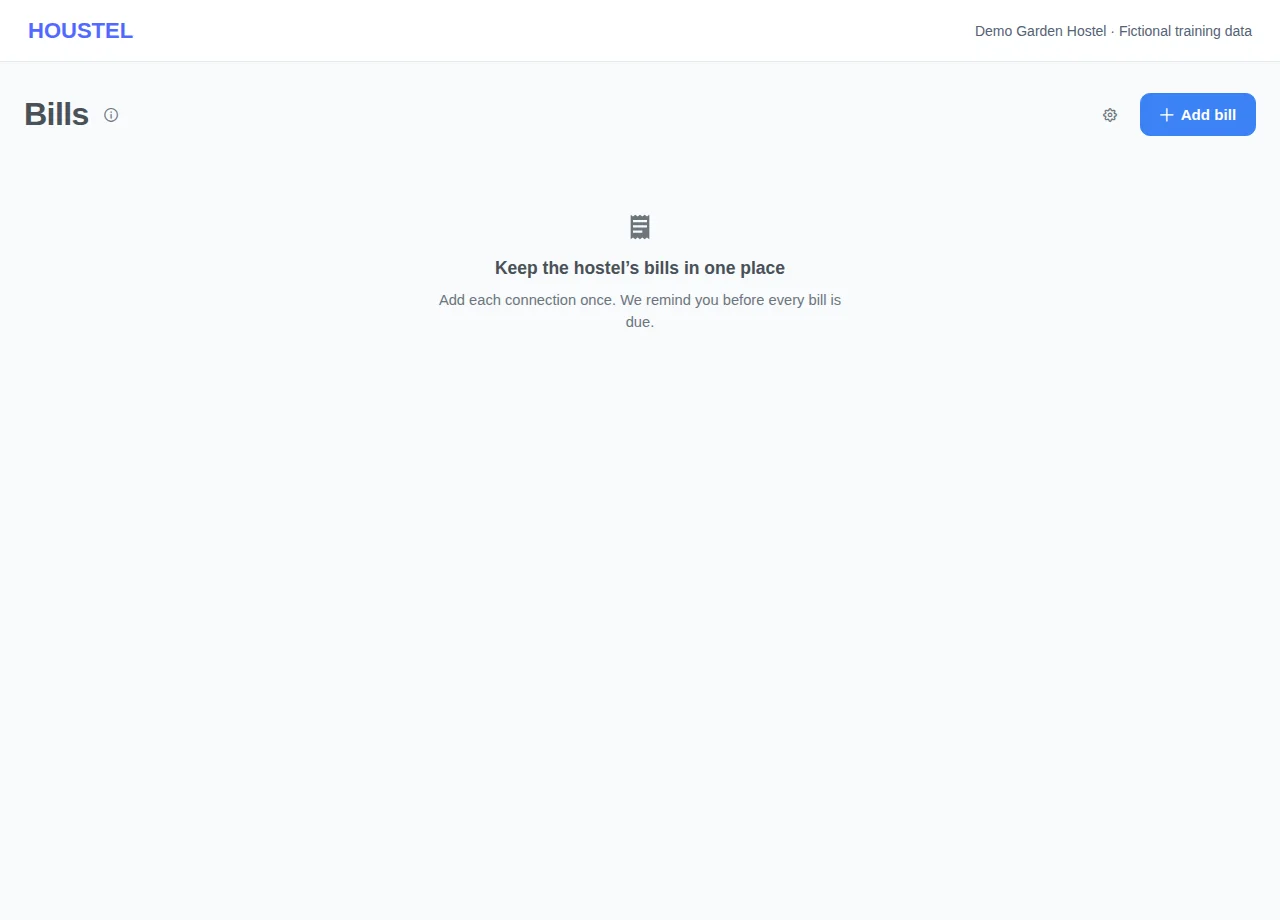
Add a connection · Example with dummy data. Select the image to enlarge. -
Review the bill
Where online lookup is supported, review the fetched month, amount and due date. Otherwise enter the bill manually. Avoid entering a second copy when a lookup is merely delayed.
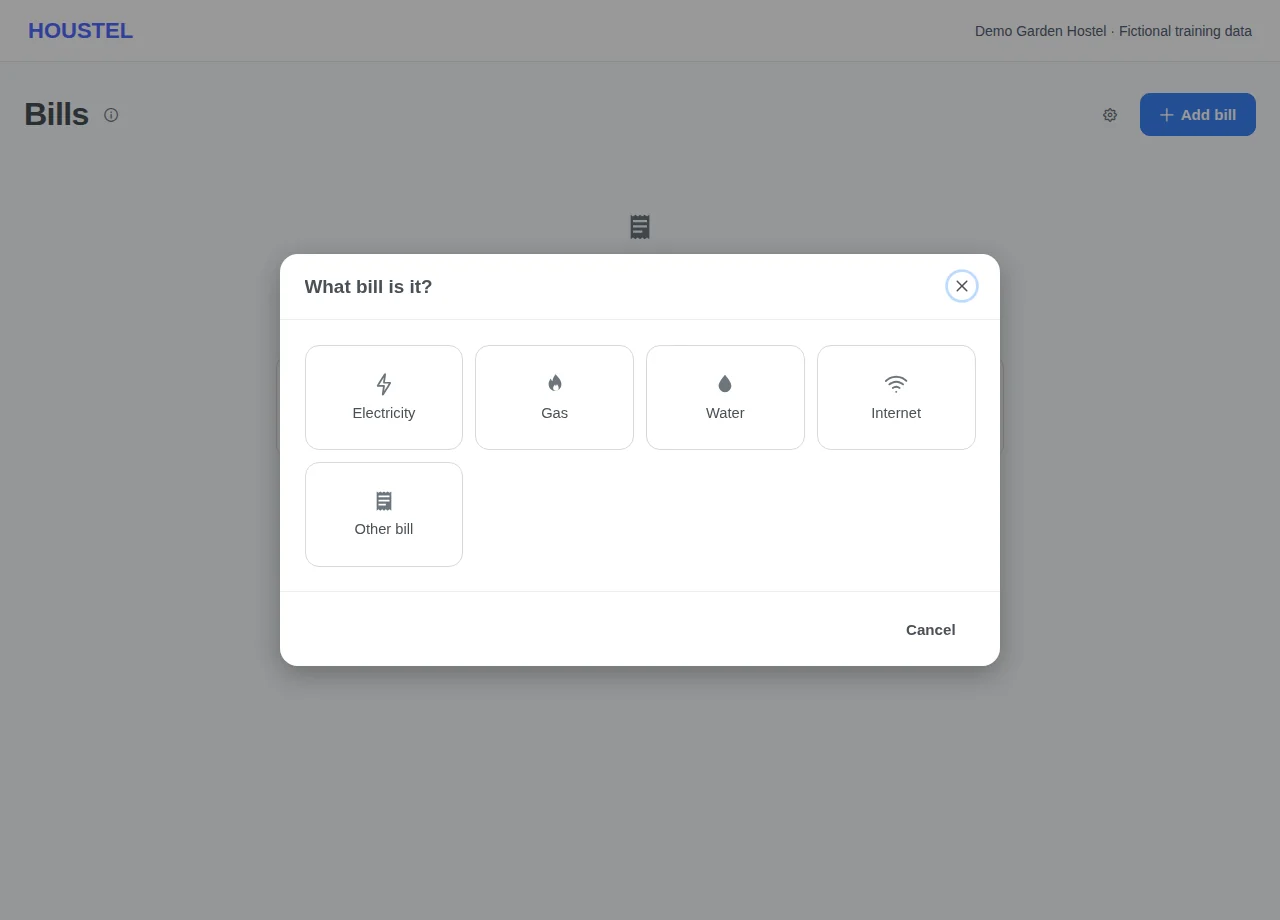
Review the bill · Example with dummy data. Select the image to enlarge. -
Record payment and reminders
After actually paying the provider, use the bill’s payment action and record the payment details. Review Reminders & settings and the paid/unpaid month filters.
Before you finish, and when something goes wrong
- A failed provider lookup is not proof there is no bill. Check the provider’s own bill and add it manually if necessary.
- A bill marked unpaid here may already have been paid outside the app; verify before paying again. Marking it paid records your action and does not itself transfer money.
- Check whether an expense was already recorded for the same payment before adding another expense.
- Reminder delivery depends on contact details, preferences and service availability. Keep responsibility for provider due dates even when reminders are enabled.
If a save times out, check the record before repeating it. If access is denied, ask the owner to review your hostel assignment and permissions. Never share your login to work around an access restriction.
Related help
Still stuck?
Tell us the screen name, what you tried and what happened. Remove personal details, passwords and private links from any screenshot.