All guide chapters
Start here
Everyday running
- Residents
- Rent and payments
- Dues and reminders
- Deposits and advances
- Expenses and profit
- Mess and meals
- Reports and dashboard
- Laundry and food for residents
- Importing residents safely
- Room changes, checkout and resident requests
- Payment approvals
- Billing periods, installments and rent reviews
- Room electricity and resident charges
- Utility connections and bills
- Inventory and room assets
- Bank accounts and wallets
Filling your beds
Your team and residents
Using Ask AI on Houstel.pk
Ask questions about the selected hostel’s records and verify the answer before making operational or financial decisions.
Step by step
Where to go: Dashboard → Ask AI, when enabled
Who can use it: The hostel owner, or staff with access to this feature. Some actions need additional permission.
-
Check the hostel and access
Select the correct hostel and open Ask AI. If it is not offered, the feature may not be enabled for this hostel or account.
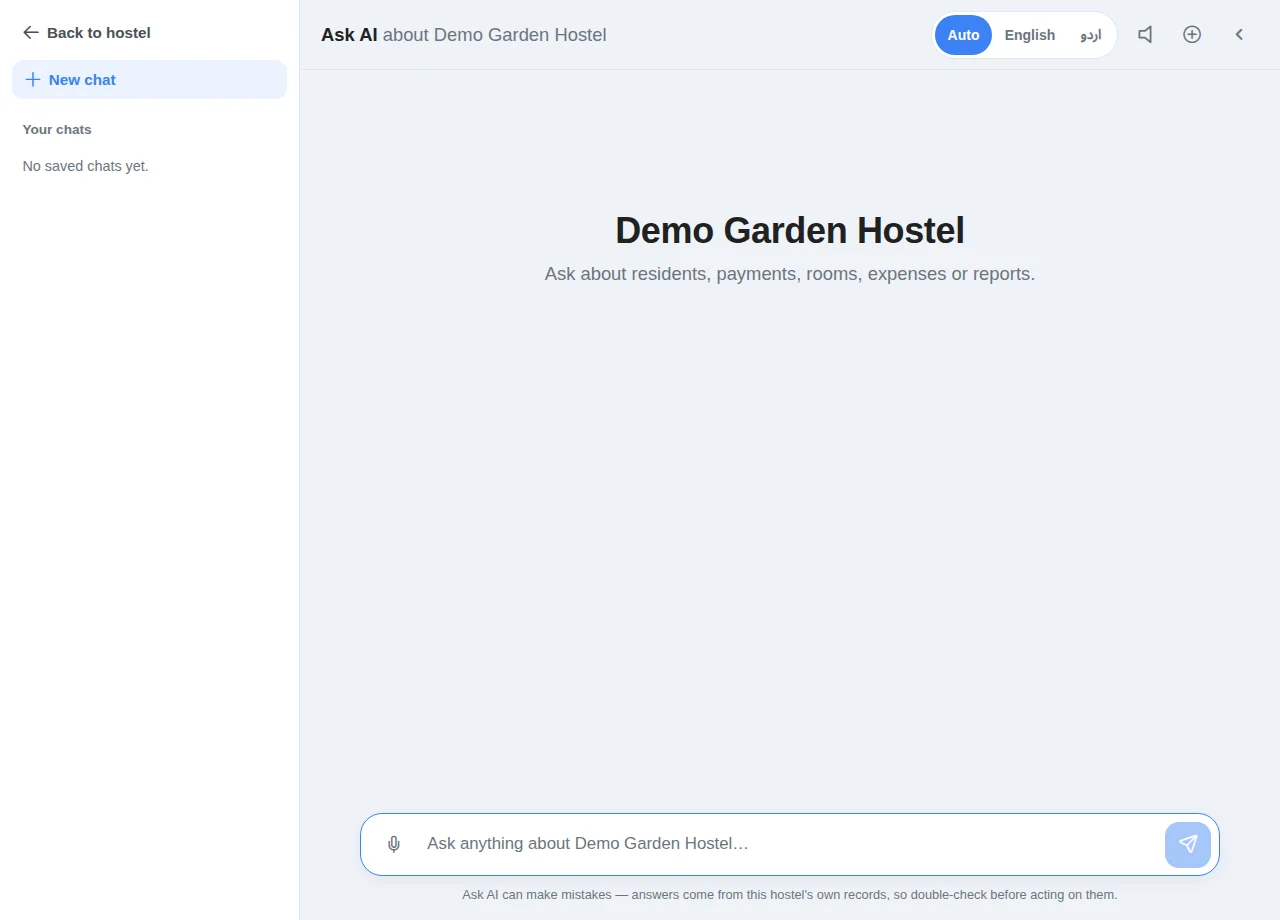
Check the hostel and access · Example with dummy data. Select the image to enlarge. -
Ask a focused question
Specify a date range and the information you need, for example “Show unpaid rent for October”. Use the reply-language option or voice input where offered. Avoid including passwords, one-time codes or identity document images.
-
Verify the answer
Compare amounts, dates and resident details with the linked or relevant records before acting. Use the normal feature screen to review and confirm any financial or resident action. Saved conversations should be treated as private hostel information.
Before you finish, and when something goes wrong
- AI can misunderstand a question or produce an incorrect answer. It is not an independent source of payment confirmation or a substitute for checking records.
- An allowance or temporary service error can interrupt a conversation. Check the displayed message and use the ordinary dashboard workflow while unavailable.
- Check the microphone permission if voice input fails. You can continue by typing.
- The public guide explains workflows only. It does not grant any AI access to private accounts, records or actions.
If a save times out, check the record before repeating it. If access is denied, ask the owner to review your hostel assignment and permissions. Never share your login to work around an access restriction.
Related help
Still stuck?
Tell us the screen name, what you tried and what happened. Remove personal details, passwords and private links from any screenshot.