All guide chapters
Start here
Everyday running
- Residents
- Rent and payments
- Dues and reminders
- Deposits and advances
- Expenses and profit
- Mess and meals
- Reports and dashboard
- Laundry and food for residents
- Importing residents safely
- Room changes, checkout and resident requests
- Payment approvals
- Billing periods, installments and rent reviews
- Room electricity and resident charges
- Utility connections and bills
- Inventory and room assets
- Bank accounts and wallets
Filling your beds
Your team and residents
Billing periods, installments and rent reviews on Houstel.pk
Understand charge periods, schedule payment commitments, and review rent changes without counting promises as payments.
Step by step
Where to go: Payments → Rent Reviews; resident booking → Billing Periods or Installments
Who can use it: The hostel owner, or staff with access to this feature. Some actions need additional permission.
-
Check the booking’s billing period
Open the resident’s booking and Billing Periods. Compare the start and end dates, monthly rent, extras and partial-period calculation with the agreement. If Generate Periods is offered, review its dates before confirming.
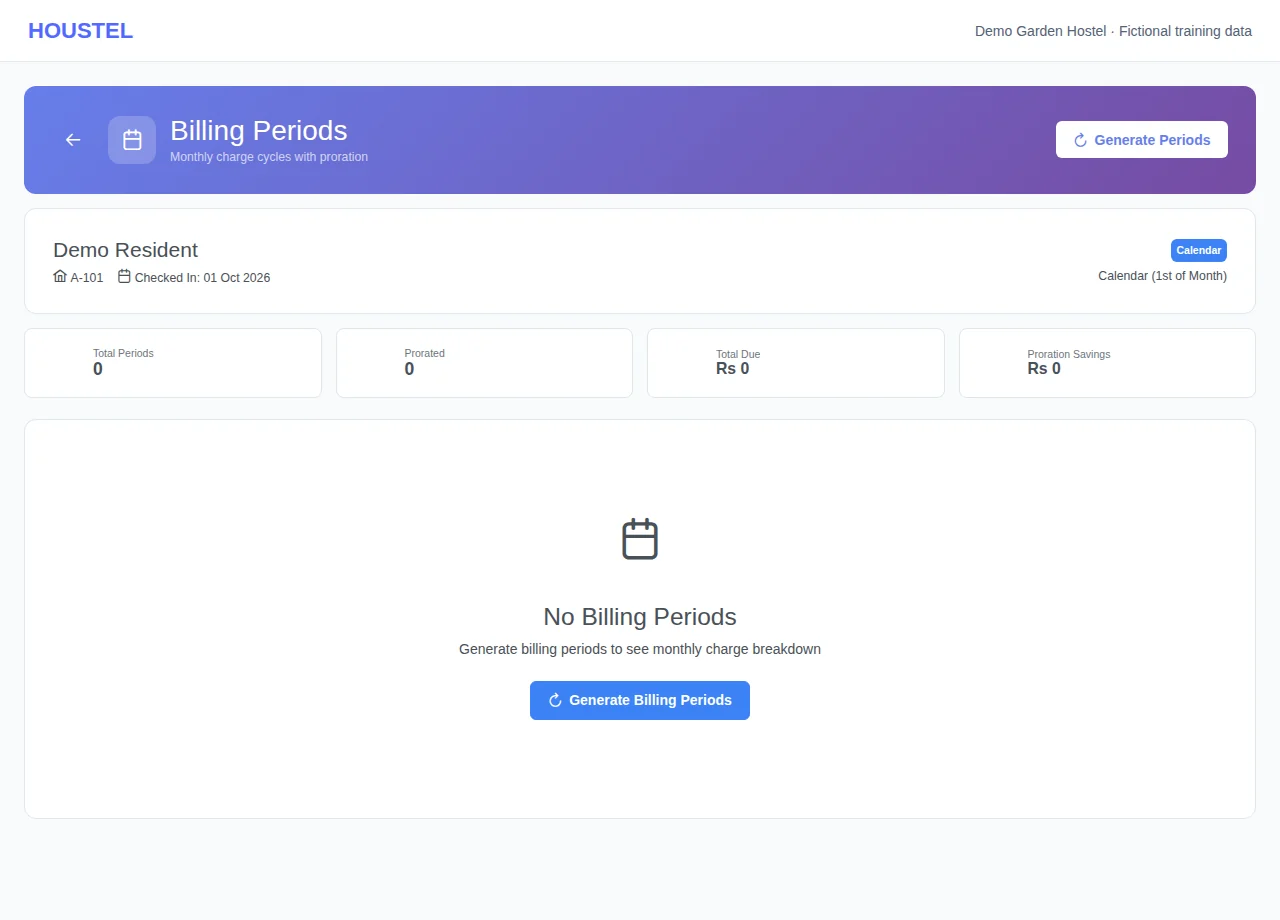
Check the booking’s billing period · Example with dummy data. Select the image to enlarge. -
Record a payment commitment
Open Installments, choose Create Installment, and enter the amount and due date. When money actually arrives, use Pay Now and record its details. A scheduled installment is a commitment, not a receipt.
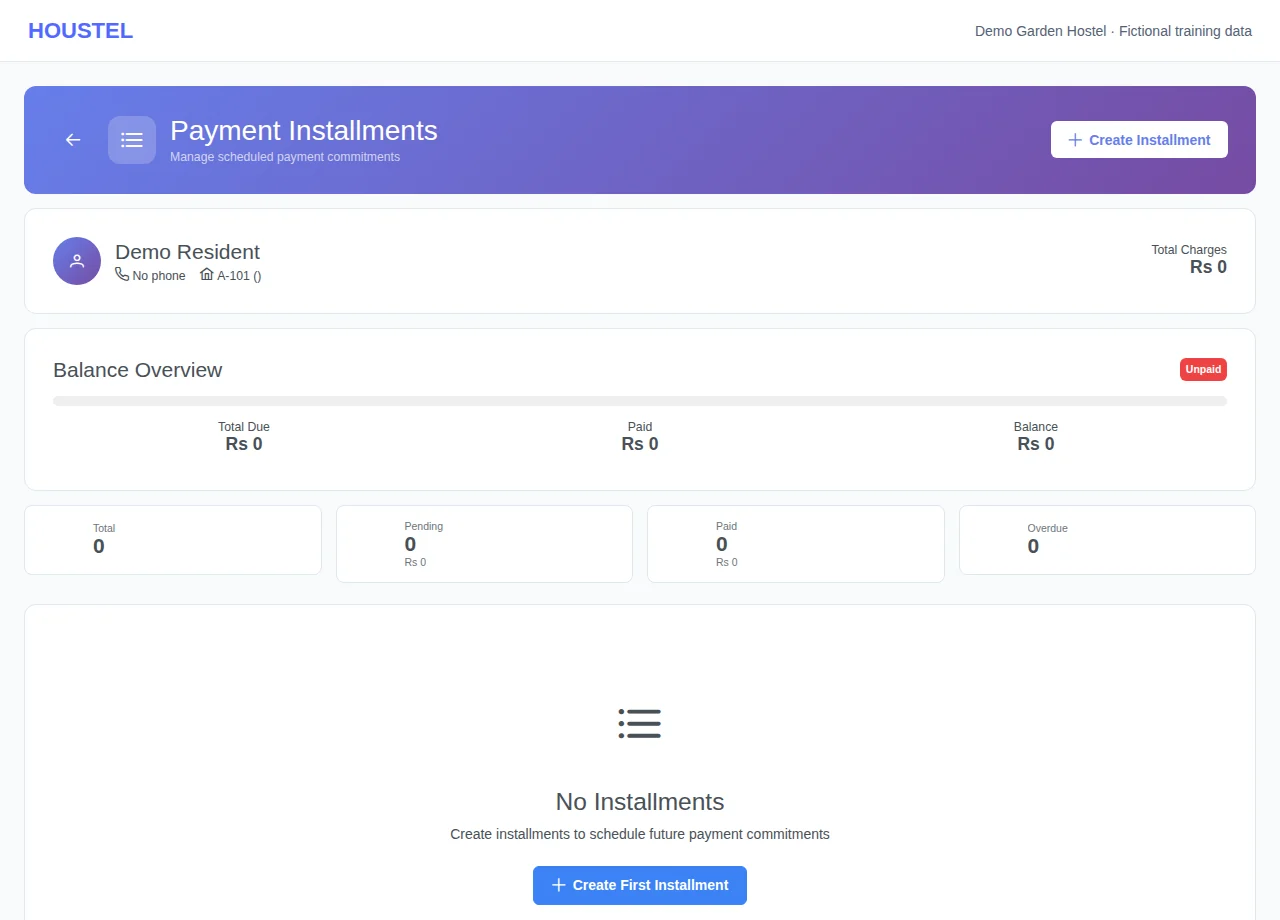
Record a payment commitment · Example with dummy data. Select the image to enlarge. -
Review rent deliberately
Open Rent Reviews, filter the residents due for review and check their stay and charges. Review the proposed change with the resident before applying it. Use the available snooze or skip action when you are postponing a review.
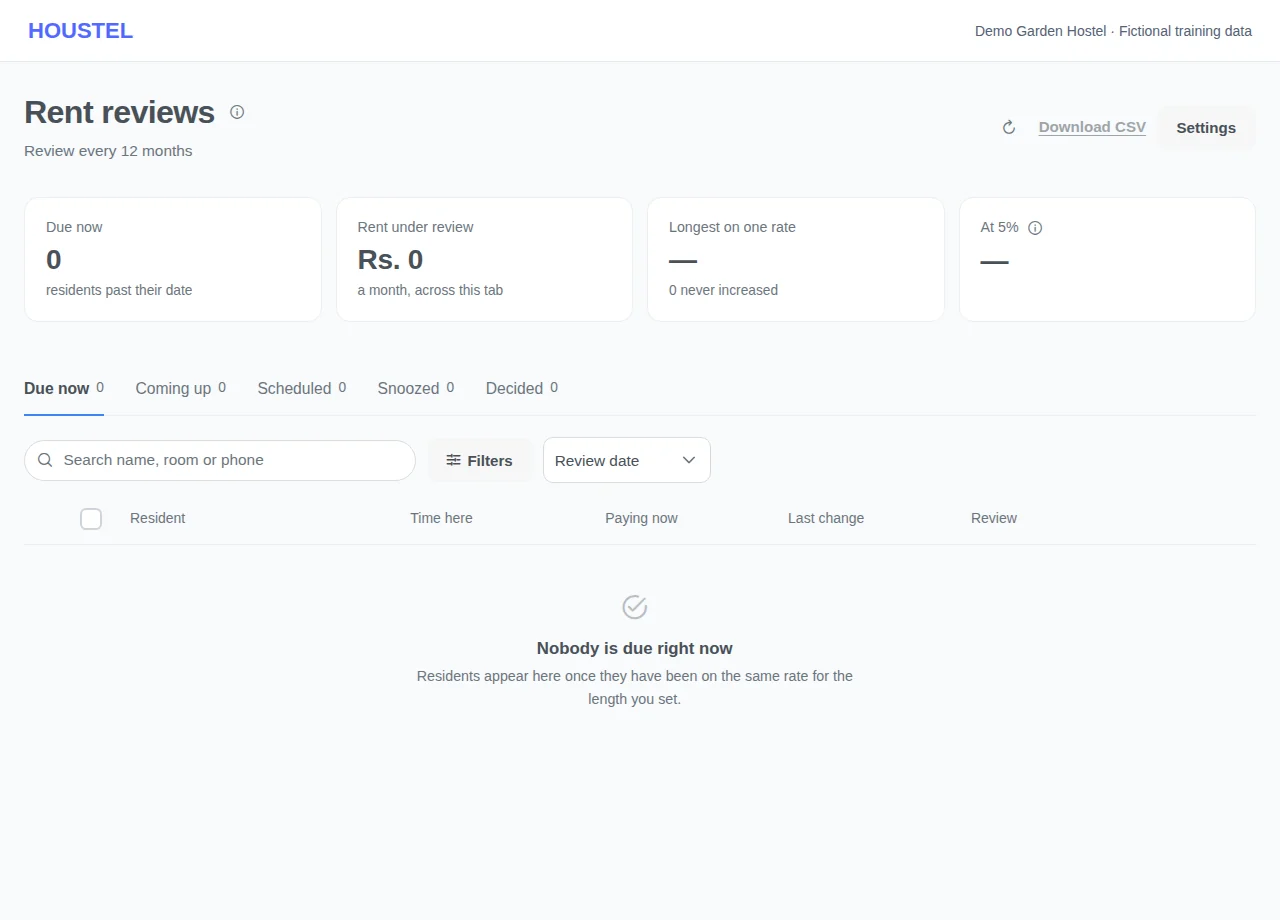
Review rent deliberately · Example with dummy data. Select the image to enlarge.
Before you finish, and when something goes wrong
- Changing a billing cycle can affect partial months and already generated charges. Check the effective date and the preview; do not delete history to force a change.
- A rent-review estimate is not collected income. Read the effective date and notification options before applying or announcing a change.
- Do not count both an installment commitment and its payment as money received. Compare the ledger after every payment.
- Completed stays can restrict generation or editing. If historical balances disagree, collect the booking dates and receipt references privately for support.
If a save times out, check the record before repeating it. If access is denied, ask the owner to review your hostel assignment and permissions. Never share your login to work around an access restriction.
Related help
Still stuck?
Tell us the screen name, what you tried and what happened. Remove personal details, passwords and private links from any screenshot.