All guide chapters
Start here
Everyday running
- Residents
- Rent and payments
- Dues and reminders
- Deposits and advances
- Expenses and profit
- Mess and meals
- Reports and dashboard
- Laundry and food for residents
- Importing residents safely
- Room changes, checkout and resident requests
- Payment approvals
- Billing periods, installments and rent reviews
- Room electricity and resident charges
- Utility connections and bills
- Inventory and room assets
- Bank accounts and wallets
Filling your beds
Your team and residents
Photos and videos of your hostel
Photos do more for your enquiries than any other single thing on your listing. A hostel with no photos does not appear publicly at all.
Step by step
Where to go: My Hostel → Photos/Videos; room → Photos/Videos
Who can use it: The hostel owner, or staff with access to this feature. Some actions need additional permission.
-
Choose the correct gallery
Open hostel media for shared spaces or a specific room’s media for that room. Use bright, accurate pictures with no resident faces or private documents.
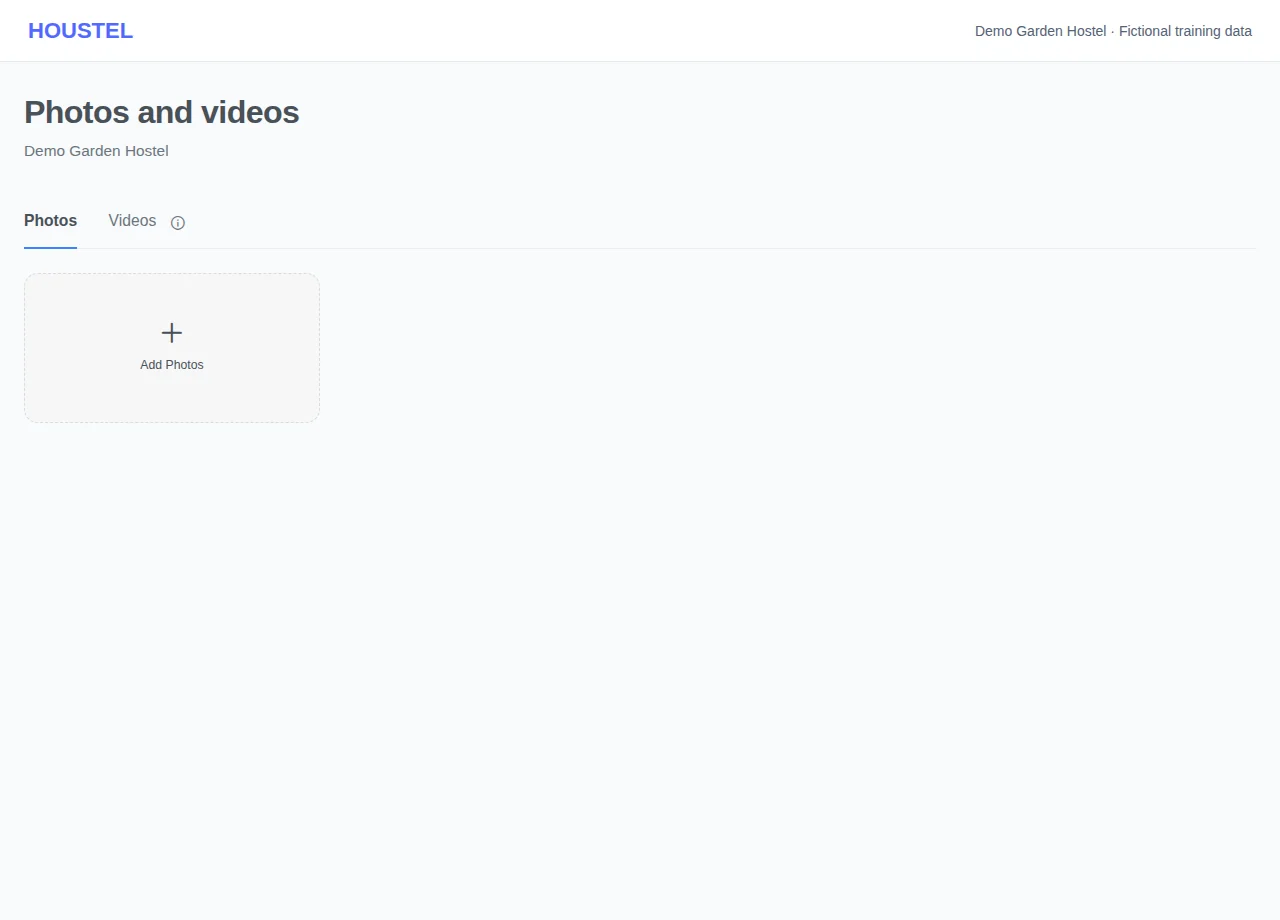
Choose the correct gallery · Example with dummy data. Select the image to enlarge. -
Check the result
Upload supported files, wait for success and review the selected cover and ordering. Check the public page before removing older useful pictures.
Before you finish, and when something goes wrong
- Use only media you own or are authorised to publish. An upload failure is not confirmation that the old image was removed.
- On the hostel page an upright photo, or one much smaller than its box, is shown whole on a blurred copy of itself instead of filling the box. A photo taken with the phone held sideways fills the wide first box.
- Listed hostels also appear on Houstel's own Facebook, Instagram, Threads, TikTok, YouTube, Pinterest and LinkedIn accounts, using their photos and videos or videos made from them. No resident details are posted. Ask through Chat with Houstel to stop it or remove a post.
- Illustrative directory images are not actual hostel photos. A claimed listing needs three actual images, a floor and a room before its listing review can approve it.
If a save times out, check the record before repeating it. If access is denied, ask the owner to review your hostel assignment and permissions. Never share your login to work around an access restriction.
Related help
Images on an Unverified directory entry
Unverified directory entries show three to five labelled illustrative accommodation images. These are examples, not photographs of the named hostel, and do not establish its condition or facilities. They are excluded from the hostel's actual photo library and are not published as verified hostel photos.
After claiming ownership, upload at least three photographs of the actual hostel through My Hostel → Images. The public page keeps its illustrative presentation until the completed listing is reviewed and approved. Afterwards the normal public listing uses the hostel's actual images. Do not upload the example images as proof, or photographs showing residents, identity documents or personal records. Unverified entries are not automatically promoted on social media.
Two hostels on the same street, same rent, same facilities. The one with twelve clear photos gets several times the enquiries of the one with two dark ones. Nothing else you can do in an afternoon changes your results as much.
Where photos go
- My Hostel → Images holds pictures of the building: the entrance, the lounge, the kitchen, the mess area, the courtyard, the washrooms, the study space, the parking.
- Rooms → the room → Images holds pictures of that specific room. A room with its own photos gets noticeably more interest than the ones listed beside it without any.
- My Hostel → Videos holds a walk-through, if you have one.
A hostel with no photos does not appear on Houstel.pk at all, even after approval. It is one of the five conditions for going live.
What to photograph
Photograph the things people are nervous about. Everybody expects a bed; what they cannot guess from the price is whether the washroom is clean, whether the kitchen is usable and whether the street outside feels safe at night.
- The entrance and the street. This answers “what kind of area is it?” better than any sentence.
- A made-up bed in a real room. The single most-looked-at photo you will upload.
- The washroom. Owners skip this one and it is the question they then answer on every phone call.
- The kitchen or mess area, and a plate of the food if you serve it.
- Common areas. Lounge, roof, courtyard, study room.
- The practical things you are proud of. The generator, the water filter, the CCTV screen, the parking.
Taking them well, on a phone
You do not need a camera or a photographer. You need daylight and five minutes of tidying.
- Tidy first, shoot second Make the bed, clear the floor, remove the drying clothes. A tidy Rs 8,000 room beats an untidy Rs 15,000 one in a photo.
- Shoot in the morning, with the curtains open Daylight from a window makes a small room look like a room somebody could live in. Ceiling light at night makes every room look yellow and cramped.
- Stand in the doorway, hold the phone level From the corner or the doorway you get the whole room. Held at chest height and straight, the walls stay upright.
- Take three, keep one Take a few of each subject and upload the best. It costs nothing and the difference is obvious.
Be honest with them
Photos that flatter beyond recognition do not win you residents. They win you visits that end at the door, and reviews that say the place looked nothing like the pictures. Show the hostel as it is on a good day. That is the standard people are fine with.
Never use photos of a hostel that is not yours, and never use pictures from the internet. That is the fastest way to have a listing rejected, and it is unfair to the owner whose building you are advertising.
Order and upkeep
Your first photo is the one that appears on search results and on WhatsApp when somebody shares your listing, so make it your strongest, usually the entrance or the best room. You can reorder photos by dragging them, and remove any that no longer look like the hostel.
On your hostel page the first photo fills a wide box at the top, with the next ones beside it. A photo taken with the phone held sideways fills that box edge to edge. An upright photo, or one much smaller than its box, is not stretched or cut: it is shown whole, with a blurred copy of itself filling the space around it. Nothing is lost, but it fills less of the box. Upload photos straight from the phone's camera. A screenshot, or a picture saved from Facebook, is often only a few hundred pixels wide and looks soft however it is shown.
Refresh them when something changes: a repaint, new furniture, a renovated washroom. A listing whose photos are three years old eventually starts costing you the visits it used to win.
Videos
One steady walk-through (gate, stairs, corridor, room, washroom, kitchen) is worth more than several short clips. Walk slowly, keep the phone level, do not narrate over traffic noise. People who watch a walk-through arrive already knowing the place, and they arrive ready to decide.
Where else your photos and videos appear
Houstel.pk also shows listed hostels on its own social media accounts: Facebook, Instagram, Threads, TikTok, YouTube, Pinterest and LinkedIn. A post can use your photos and videos as they are, or a short video we make from your photos, with your hostel's name, area and rent, the Houstel logo and a link to your hostel's page. Some videos also have a description read out in Urdu or English by an AI voice, and background music.
- Hostels are picked in turn, so not every hostel appears on every platform, and there is no fixed schedule. You do not need to do anything, and Houstel does not send you a message for each post.
- A post shows your rent and details as they were on the day it was made. Your page on Houstel.pk always has the current ones, and that is where the link in each post goes.
- No resident's name, number or any other detail is ever put in a post. Do not upload photos that show residents' faces, documents or papers with personal details.
- If you do not want your hostel on Houstel's social media, or want a post taken down, tell us through Chat with Houstel. We stop new posts about your hostel and remove the ones we can.
You agree to this when you list your hostel; see Terms and Conditions and the Privacy Policy.
In short
- Ordinary verified listings need at least one actual photo. Claimed directory entries need three for their initial review.
- Aim for six or more of the hostel, and two or three per room type.
- Photograph the washroom, the kitchen and the entrance, which are the things people worry about.
- Daylight, tidy room, phone held level from the doorway. That is the whole technique.
- Your first photo is your advert. Make it the strongest one, taken with the phone held sideways.
- Show the hostel as it really is; flattering photos only buy you wasted visits.
- Your photos may also appear on Houstel's Facebook, Instagram, Threads, TikTok, YouTube, Pinterest and LinkedIn. Ask through Chat with Houstel if you want that stopped.
Common questions
How many photos should I add?
At least six for the hostel and two or three for each room type. People scroll past listings with one photo, and a room with no photo of its own gets fewer enquiries than the ones beside it.
Can I use photos taken on a phone?
Yes, and most owners do. Daylight, open curtains, a tidy room and a steady hand matter far more than the camera.
Does Houstel post my photos on social media?
Yes. Houstel.pk shows listed hostels on its own Facebook, Instagram, Threads, TikTok, YouTube, Pinterest and LinkedIn accounts, using your photos and videos or a short video made from them, with your hostel's name, area, rent and a link to your page. No resident's details are ever posted. If you want it stopped, or a post removed, tell us through Chat with Houstel.
Still stuck?
Tell us the screen name, what you tried and what happened. Remove personal details, passwords and private links from any screenshot.