All guide chapters
Start here
Everyday running
- Residents
- Rent and payments
- Dues and reminders
- Deposits and advances
- Expenses and profit
- Mess and meals
- Reports and dashboard
- Laundry and food for residents
- Importing residents safely
- Room changes, checkout and resident requests
- Payment approvals
- Billing periods, installments and rent reviews
- Room electricity and resident charges
- Utility connections and bills
- Inventory and room assets
- Bank accounts and wallets
Filling your beds
Your team and residents
Your hostel’s resident community on Houstel.pk
Understand the owner’s community view and the moderation actions available for your own hostel.
Step by step
Where to go: More → Community, when available
Who can use it: The hostel owner, or staff with access to this feature. Some actions need additional permission.
-
Open the hostel community
Select the correct hostel and open Community. Review only the content and moderation queues your account is permitted to see.
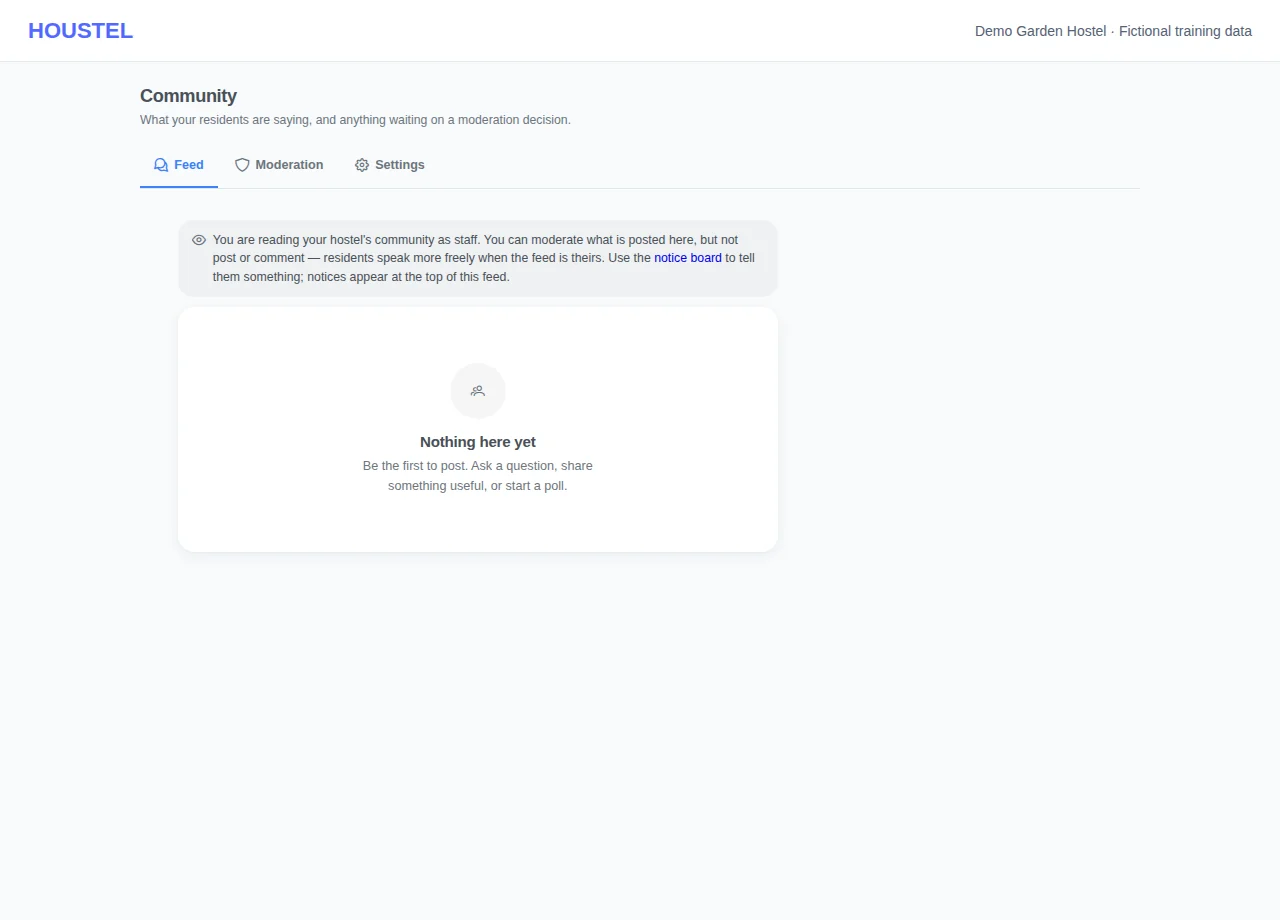
Open the hostel community · Example with dummy data. Select the image to enlarge. -
Review context
Read a reported post and the surrounding context before acting. Distinguish a resident’s opinion from harassment, personal information or another issue needing moderation.
-
Use the available action
Follow the action and confirmation offered for that item. Escalate threats, exposed personal information or a platform-wide account issue privately to support.
Before you finish, and when something goes wrong
- Owners do not receive all platform moderation powers. An unavailable action may belong to platform support.
- Do not reproduce reported content containing private details in a public notice or guide.
- Community visibility differs from the private payment and booking screens. Residents should avoid posting contact details, receipts or identity documents there.
- For a building repair or a private dispute, direct the resident to a complaint or private conversation so it can be tracked appropriately.
- The owner/staff feed is for reading and moderation; staff use the Notice Board to address residents rather than posting or commenting as residents.
If a save times out, check the record before repeating it. If access is denied, ask the owner to review your hostel assignment and permissions. Never share your login to work around an access restriction.
Related help
Still stuck?
Tell us the screen name, what you tried and what happened. Remove personal details, passwords and private links from any screenshot.