All guide chapters
Start here
Everyday running
- Residents
- Rent and payments
- Dues and reminders
- Deposits and advances
- Expenses and profit
- Mess and meals
- Reports and dashboard
- Laundry and food for residents
- Importing residents safely
- Room changes, checkout and resident requests
- Payment approvals
- Billing periods, installments and rent reviews
- Room electricity and resident charges
- Utility connections and bills
- Inventory and room assets
- Bank accounts and wallets
Filling your beds
Your team and residents
Resident complaints and the complaint box on Houstel.pk
Review complaints privately, keep residents informed and separate hostel issues from software support requests.
Step by step
Where to go: Help Desk → Complaints
Who can use it: The hostel owner, or staff with access to this feature. Some actions need additional permission.
-
Open and triage
Open Complaints, filter the queue and read the issue and any attachments. Check the room, date and urgency. Contact local emergency services or on-site staff immediately for danger; do not wait for an app reply.
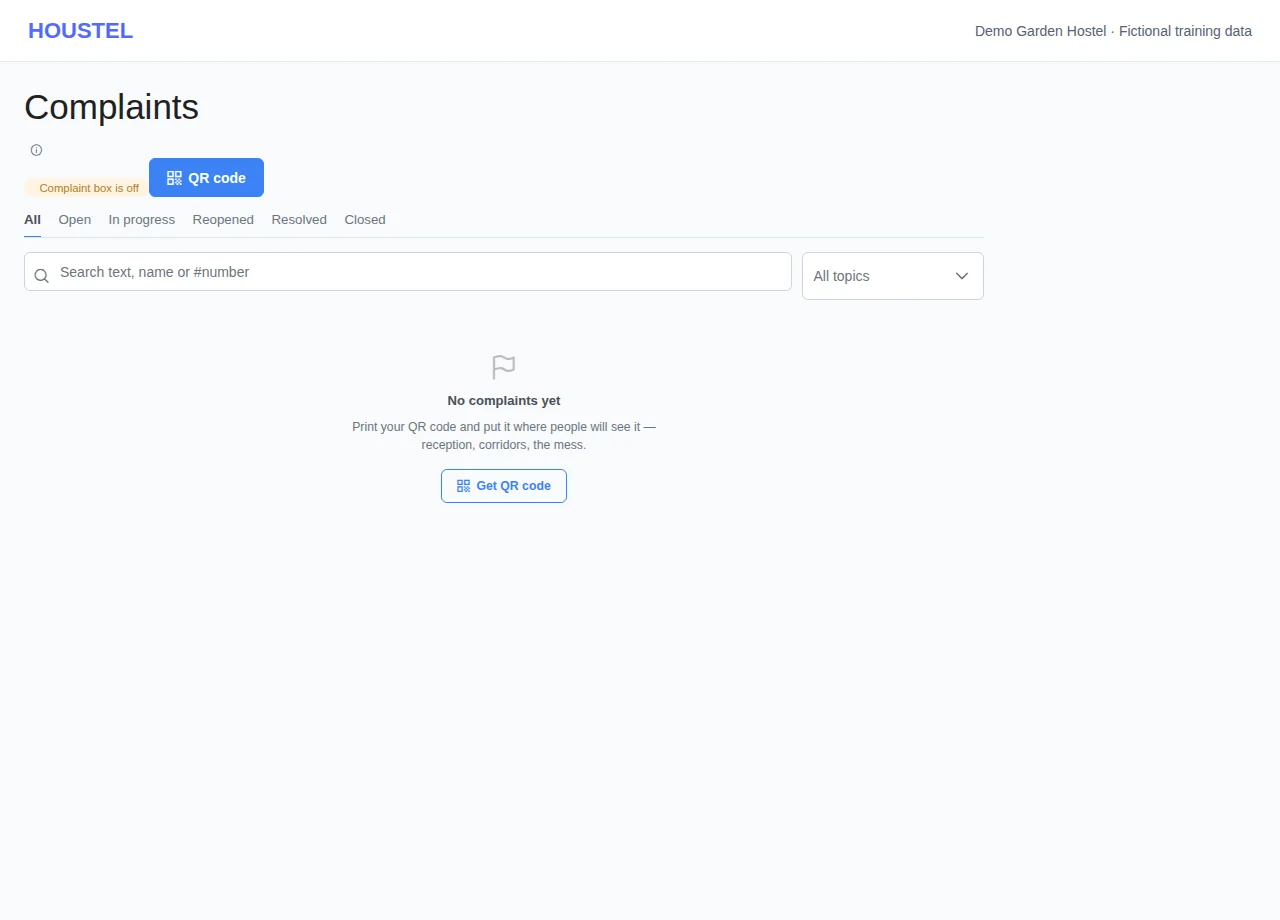
Open and triage · Example with dummy data. Select the image to enlarge. -
Respond privately
Open the complaint, add a factual response or update using the actions available, and arrange the repair or follow-up. Keep private resident details out of notices and public replies.
-
Verify resolution
Check that the issue has been addressed before marking it resolved. Tell the resident what was done and how to follow up. Share the hostel’s complaint-box link only with its intended audience.
Before you finish, and when something goes wrong
- A complaint-box link and an individual complaint-tracking link serve different purposes. An individual tracking link is private and should not be posted publicly.
- Attachments may contain personal information. Open only expected files and avoid copying them into public chat, documentation or an AI prompt.
- Do not treat a status change as proof that a repair happened. Check with the responsible staff and resident.
- For a problem with Houstel itself, use Support, with a redacted screenshot and the time of the error.
If a save times out, check the record before repeating it. If access is denied, ask the owner to review your hostel assignment and permissions. Never share your login to work around an access restriction.
Related help
Still stuck?
Tell us the screen name, what you tried and what happened. Remove personal details, passwords and private links from any screenshot.