All guide chapters
Start here
Everyday running
- Residents
- Rent and payments
- Dues and reminders
- Deposits and advances
- Expenses and profit
- Mess and meals
- Reports and dashboard
- Laundry and food for residents
- Importing residents safely
- Room changes, checkout and resident requests
- Payment approvals
- Billing periods, installments and rent reviews
- Room electricity and resident charges
- Utility connections and bills
- Inventory and room assets
- Bank accounts and wallets
Filling your beds
Your team and residents
Room changes, checkout and resident requests on Houstel.pk
Review resident requests, verify availability and payments, and complete the associated booking workflow.
Step by step
Where to go: Payments → Payment Requests; Residents → Customer Requests; Residents → Change Room → Residents asked
Who can use it: The hostel owner, or staff with access to this feature. Some actions need additional permission.
-
Review the pending queue
Filter Customer Requests by status and request type. Open the resident’s request and check the booking and the date. A pending request has not yet changed their room or settled their account.
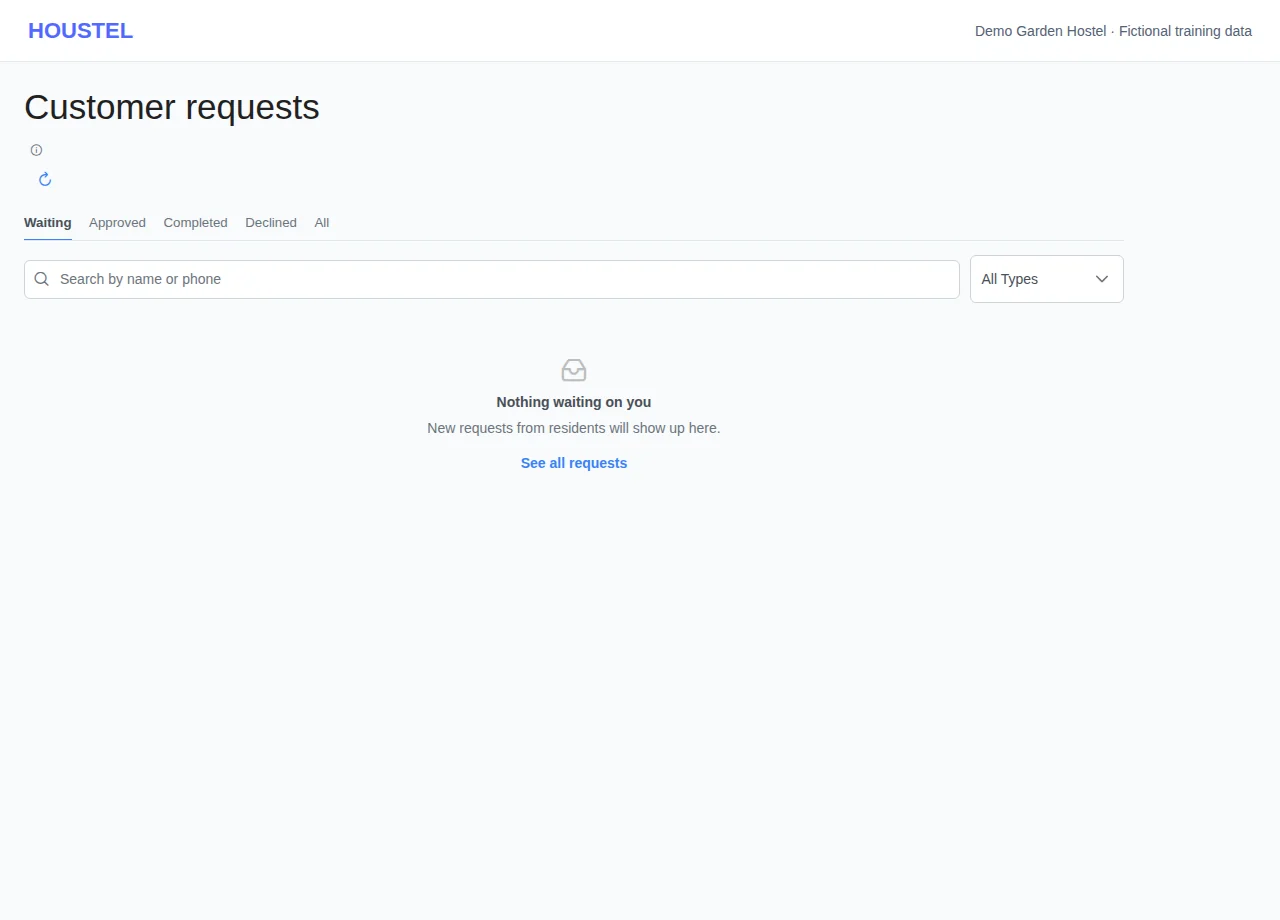
Review the pending queue · Example with dummy data. Select the image to enlarge. -
Check the consequences
For a room change, Move opens Residents → Change Room on the room they asked for: check whether it is full, pick another room or a swap if needed, confirm the charges and choose today or a later day. Check-out requests are not here: they wait on Residents → Check-outs as planned check-outs tagged Resident asked, to accept, move to another day or decline. For a payment request, verify the money in your account before Review & record. A payment may come from the resident's account or from their pay link (marked Sent from a pay link — possibly a family member paying for them); one transfer for several months arrives as one entry per month, marked Part of one Rs … payment.
-
Complete or decline
Use the action shown, read its confirmation and reopen the resident record to check the result. A payment can also be declined from the collect form it opens (Decline beside the payment, with a reason). If declining, write a short factual reason: the resident can see it. A room change made today completes the request; one planned for a later day approves it, tells the resident the day and waits on the Change Room page. Use the change-room workflow for an owner-initiated move or swap.
Before you finish, and when something goes wrong
- If the requested room is full, the room change steps say so and offer its residents as swap partners. Agree any other room with the resident; a full room can still be chosen when you are adding a bed.
- An entry that says Same transaction ID or Same screenshot was sent before — check your statement before recording it. When you record a payment request without attaching your own receipt, the resident's screenshot is attached to the payment.
- A payment screenshot or request is not proof that funds arrived. Avoid recording the same transfer through both requests and the payment screen.
- If another staff member already handled the request, refresh and check the booking before acting again.
- Leaving a room and refunding a deposit are separate events. Confirm the final receipt and any amount still owed after checkout.
If a save times out, check the record before repeating it. If access is denied, ask the owner to review your hostel assignment and permissions. Never share your login to work around an access restriction.
Related help
Still stuck?
Tell us the screen name, what you tried and what happened. Remove personal details, passwords and private links from any screenshot.